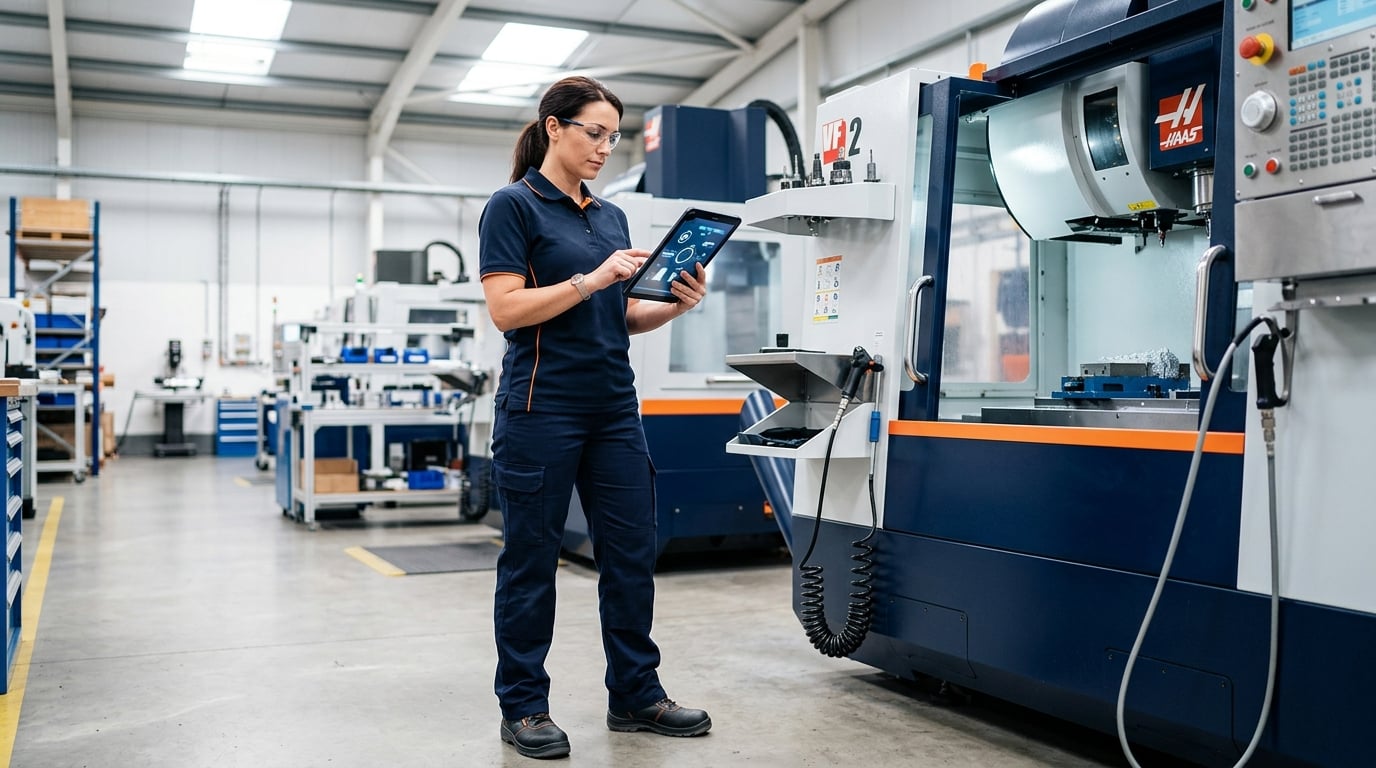
If your shop still relies on paper work orders, you are not alone. Most small manufacturers and job shops run their production on paper travelers, clipboards, and whiteboards. It works — until it does not. For a complete overview, see our manufacturing execution system software guide.
Paper work orders get lost on the shop floor. They get coffee-stained, misread, and outdated the moment a change happens in the office. When a customer calls to ask about their job, someone has to walk out to the floor to find the answer.
The Real Cost of Paper Work Orders
The problem with paper is not just inconvenience. It is lost visibility. When work orders live on paper:
- You do not know which jobs are running, delayed, or blocked until someone tells you
- Priority changes require hunting down physical documents
- Quality records are inconsistent or incomplete
- Delivery dates get missed because delays are discovered too late
- Historical data is nearly impossible to analyze
For a shop running 20-50 jobs at a time, this adds up to hours of wasted time every week — and late deliveries that erode customer trust.
What Digital Work Orders Actually Look Like
Digital work order management does not mean replacing your entire process. It means giving your existing workflow a digital layer that everyone can see in real time.
With a system like FactoryOS, a digital work order includes:
- Job details: part number, customer, quantity, due date, priority
- Real-time status: pending, in progress, on hold, completed, delayed
- Progress tracking: percentage complete, parts produced, scrap count
- Assignment: which machine, which line, which operator
- History: every status change, update, and note is logged automatically
How to Make the Switch Without Disrupting Production
The biggest fear most shop owners have is disruption. Here is a practical approach:
Week 1: Start with visibility
Enter your current active work orders into the system. Do not change your shop floor process yet. Just start seeing all your jobs in one place.
Week 2: Add status updates
Have operators update job status from a phone or tablet at the end of each shift. This takes less than 2 minutes per update.
Week 3: Go live
Start creating new work orders digitally. Use the old paper process as a backup until your team is comfortable.
What You Gain
Shops that switch from paper to digital work orders typically see:
- Immediate visibility into job status across the entire shop
- Fewer missed delivery dates because delays surface early
- Better quality records that are consistent and searchable
- Less time wasted chasing down job information
- Actual data to improve scheduling and capacity planning
You can also learn how to track production without spreadsheets as a natural next step.