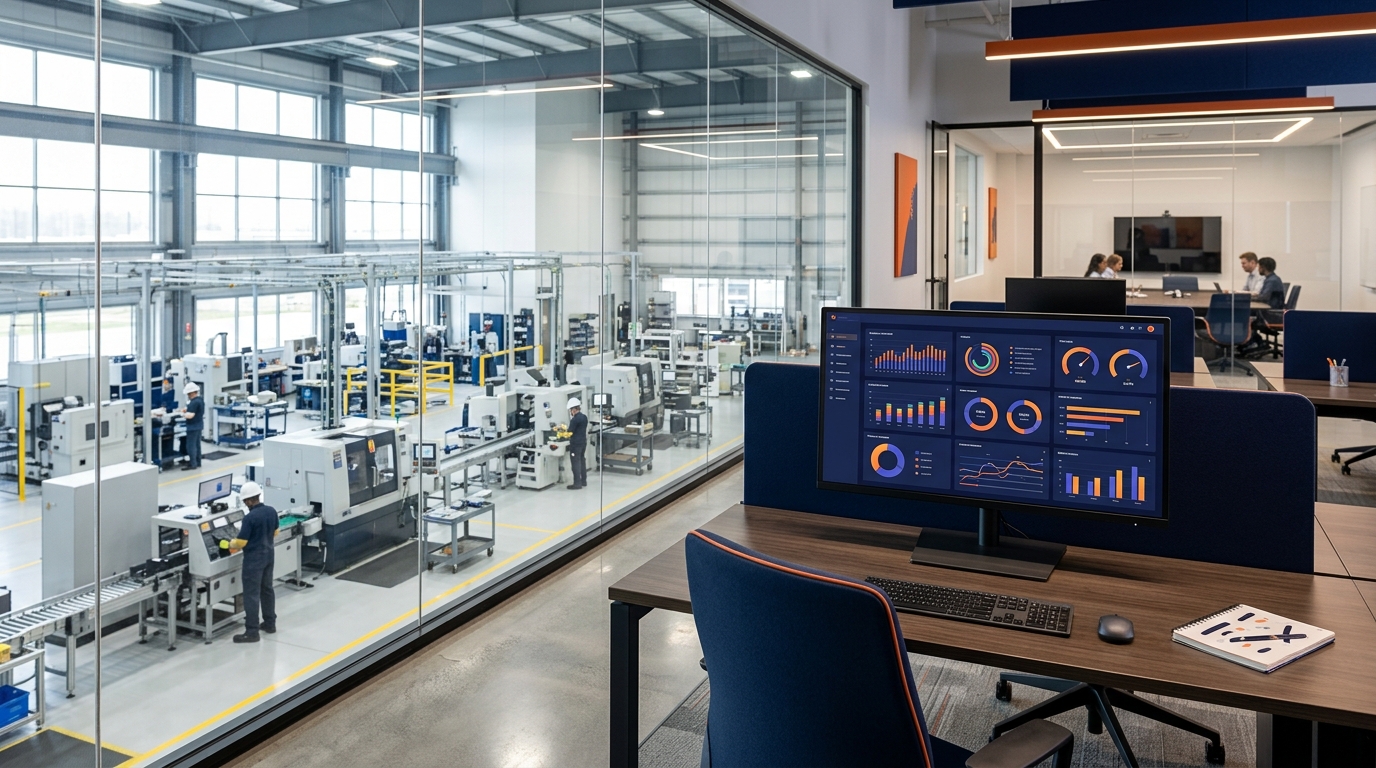
MES stands for Manufacturing Execution System. It is a software system that tracks and manages production on the shop floor in real time — from work order creation to finished goods. For a complete overview, see our manufacturing execution system software guide.
For decades, MES software was something only large manufacturers could afford. Systems from SAP, Oracle, and Siemens cost hundreds of thousands of dollars and took 6-18 months to implement. That left small manufacturers stuck with paper, spreadsheets, and whiteboards.
That is changing. Modern MES platforms like FactoryOS are designed specifically for small manufacturers and job shops — with simpler interfaces, faster setup, and pricing that makes sense for a 20-person shop.
What Does MES Software Actually Do?
At its core, an MES connects the front office to the shop floor. It gives everyone — from the owner to the machine operator — visibility into what is happening in production right now.
Key functions of MES software include:
- Work order management: Create, assign, and track jobs digitally
- Production tracking: See real-time status of every job on every machine
- Quality control: Digital checklists, inspection logs, and defect tracking
- Scheduling: Plan and sequence work orders across machines and lines
- Inventory tracking: Monitor raw materials and finished goods
- OEE analytics: Measure availability, performance, and quality
- Maintenance management: Schedule preventive maintenance and track equipment
- Reporting: Production reports, KPI dashboards, and trend analysis
Do Small Manufacturers Need MES Software?
You need MES software if any of these sound familiar:
- You track work orders on paper or spreadsheets
- You do not know the real-time status of jobs without walking the floor
- Late deliveries happen because problems surface too late
- Quality issues are caught at final inspection instead of in-process
- You cannot tell your customer when their order will ship
- Scrap and downtime are not measured consistently
If you are running 10+ jobs at a time with more than a handful of employees, the lack of visibility is costing you money — even if you cannot see exactly where.
MES for Small Shops vs Enterprise MES
Enterprise MES systems are powerful but come with significant drawbacks for small shops:
- Cost: $100K-$500K+ for licensing and implementation
- Timeline: 6-18 months to go live
- Complexity: Requires dedicated IT staff and consultants
- Customization: Often requires expensive custom development
Modern MES platforms for small manufacturers typically offer:
- Cost: $299-$1,199/month with no upfront fees
- Timeline: Live in days, not months
- Simplicity: No IT staff required
- Flexibility: Start with one line and expand as needed
How to Choose an MES for Your Shop
When evaluating MES software, focus on these criteria:
- Ease of use: Can your operators learn it in a day?
- Mobile access: Does it work on phones and tablets on the shop floor?
- Setup speed: Can you be tracking jobs within a week?
- Pricing: Is it monthly with no long-term contracts?
- Core features: Does it cover work orders, quality, and production tracking?
Once you understand MES, it helps to learn what OEE is and how to calculate it — the key metric MES tools track.